
ClickUp Consulting. ClickUp set up to actually run the business. Not bury it.
ClickUp workflow consulting, workspace architecture, automation, custom views, dashboards, and ClickUp AI configuration. We design the Spaces, Folders, Lists, Statuses, Custom Fields, and Automations so your team works in ClickUp instead of fighting it. Shipped in 2 to 8 weeks. USD pricing.
Tell us your team size, what you currently use for work management, and your top pain points. Scoped plan plus quote within 3 business days.
Get started in 60 seconds
Who we've built for.







How we work
- Overview
- Three phases from current-state audit to live workspace. We are ClickUp Verified Consultants and we run ClickUp in production for teams across product, ops, sales, and agency work.
- Step 1 — Scope and architecture
- One week scoping. Current-state audit (where work happens today, what is broken). Stakeholder interviews. Workspace hierarchy design. Custom field taxonomy. Automation strategy. Output: workspace blueprint plus phased rollout plan.
- Step 2 — Build in sprints
- 1 to 6 weeks build. Workspace setup with Spaces, Folders, Lists per team or workflow. Custom Statuses per List for proper kanban or pipeline tracking. Custom Fields for the data your team actually tracks. Automations for routing, escalation, and status changes.
- Step 3 — Harden and launch
- Less than 1 week launch and training. Team training session per Space. Documentation in ClickUp Docs. Two weeks of hypercare for adoption support. Optional ongoing retainer for workspace evolution.
Recent CRM and B2B builds
Recent ClickUp and workflow design builds.
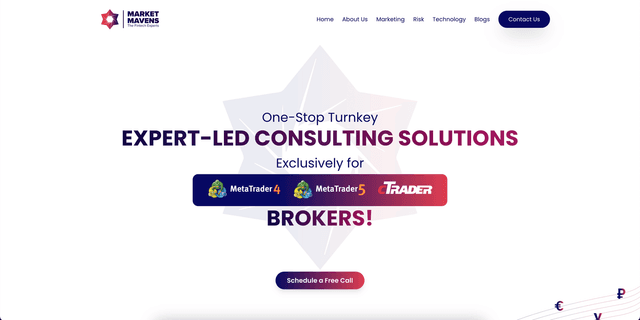
ClickUp workspace for partner onboarding pipeline with custom statuses, automations to Slack, and dashboards for partner performance tracking.
Read case study →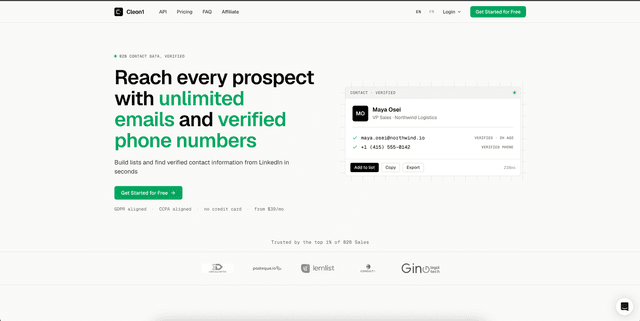
ClickUp workspace for B2B sales ops with lead-to-deal pipeline, custom fields for enrichment data, and Power BI-style dashboards for sales leadership.
Read case study →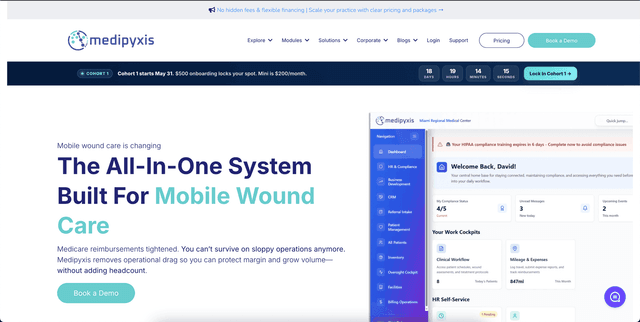
ClickUp workspace for care coordination ops with custom statuses for care delivery stages and automations for SLA tracking and escalation.
Read case study →What we deliver. ClickUp
Workspace architecture
Spaces, Folders, Lists designed around teams and workflows, not org chart. Each team owns its Space. Cross-team work tracked via Custom Tasks in Multiple Lists. Workspace hierarchy survives team reorgs without rebuilding.
Custom Statuses and Custom Fields
Custom Statuses per List for proper pipeline tracking (no shared status soup across Lists). Custom Fields for the data your team tracks: priority, effort, customer, ARR impact, link to external systems. Field taxonomy documented so new Lists inherit the standard.
Automations and workflow rules
Automations for status changes, assignee changes, due-date triggers, custom field updates. Cross-Space automations for handoffs between teams. Slack and email notifications via native integration. Custom integrations via webhooks.
Views and Dashboards
Custom Views per persona (Board, List, Calendar, Gantt, Timeline, Workload, Mind Map). Filtered Views for personal work queues. Dashboards for leadership: pipeline value, throughput, SLA compliance, team capacity. Dashboards refresh in real time.
ClickUp AI and AI Brain
ClickUp AI configuration for natural-language task creation, AI-generated summaries, sentiment analysis on comments, and automatic status updates. AI Brain for cross-Space search and answer generation grounded in your workspace data.
Integrations and ClickUp API
Native integrations with Slack, Microsoft Teams, GitHub, GitLab, Figma, Google Drive, Microsoft 365, Dropbox, Zoom. Custom integrations via ClickUp REST API and webhooks. Zapier or Make for SaaS-to-SaaS workflows when ClickUp is the source of truth.
Related capabilities: CRM integration, Salesforce development, HubSpot development, Zoho CRM, Odoo development, Microsoft Dynamics 365, Automation platforms, Zapier integration, Business process automation.
Typical engagement ranges
CRM setup and migration
From $14,000
- Single-team ClickUp workspace setup with workflow design, automations, and training.
- Best for teams adopting ClickUp from Asana, Monday.com, Jira, Notion, or spreadsheets.
- 2 to 3 weeks.
Custom CRM integration
From $9,000
- Multi-team ClickUp workspace with cross-team workflows, dashboards, ClickUp AI configuration, and 2 to 4 external integrations.
- 3 to 6 weeks.
Enterprise CRM program
From $19,000
- Enterprise-wide ClickUp rollout with multi-Space architecture, advanced automations, custom integrations via ClickUp API, governance baseline, and ongoing optimisation.
- 6 to 12 weeks.
Ongoing maintenance retainer
From $1,750 / mo
- Workspace evolution, automation updates, integration monitoring, and adoption support.
FAQ
ClickUp wins for teams that want one tool for tasks plus docs plus dashboards plus light CRM at lower price than enterprise alternatives. Asana wins for clean simplicity. Monday.com wins for visual workflow design. Jira wins for software development with complex workflows. We pick at scoping based on team type, scale, and existing stack.